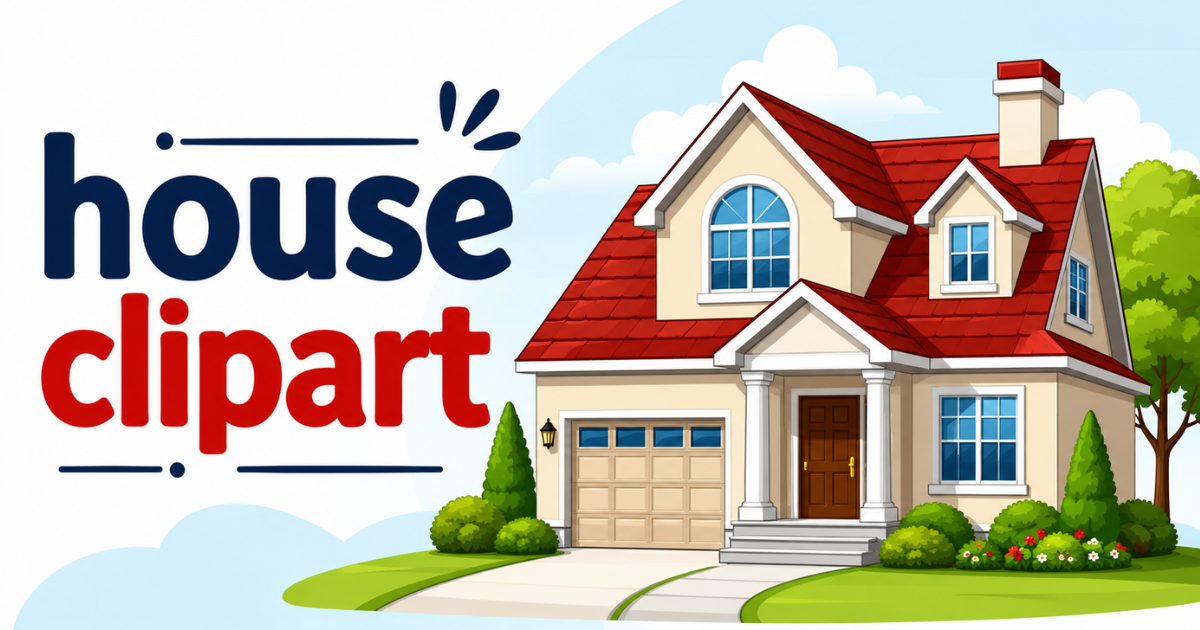
Long before I understood what “clipart” meant, I was losing entire evenings to Pinterest boards full of charming house clipart graphics. It took a while to realize those illustrations came from independent artists and hobbyist designers, often sold through Etsy or small design brands.
That discovery is why a clear, beginner-friendly primer on this style of clipart’s file formats, software, and licensing is so useful. A house-themed graphic is rarely just decoration — I’ve used these images in flyers, classroom materials, and personal websites.
This guide condenses what this style of clipart is, how to use it, where to source it legally, and where the format is headed.
What House Clipart Actually Is
Think of house clipart as a ready-made digital sticker — something you can drop directly into a design without drawing a single stroke. Most of it comes as a PNG file, though SVG and JPEG versions are common too.
This type of clipart has evolved a long way from the cartoonish, low-resolution graphics bundled with old word processors. Modern designs tend to be hand-illustrated and sold in themed collections with matching color palettes.
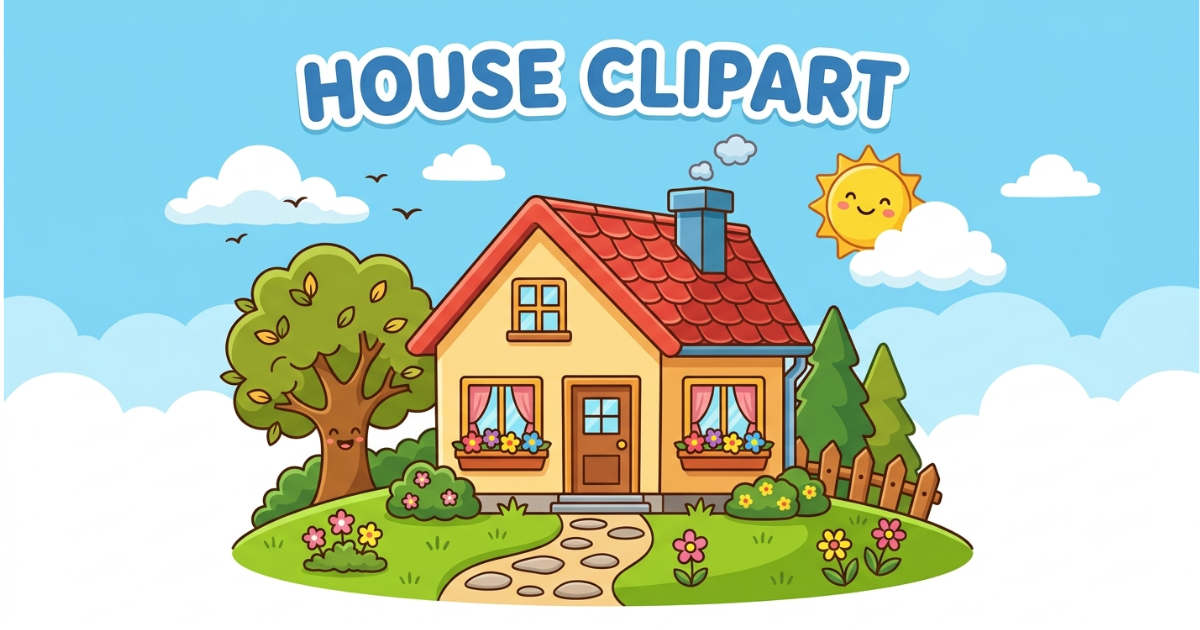
It’s worth knowing what this clipart is not: it isn’t a font or a brush, and it usually isn’t meant to be heavily edited. It also typically can’t be resold in its original form, since most sellers attach usage restrictions to protect their work.
Vector files, especially SVGs, hold up best because they keep a transparent background and stay sharp at any size. This matters whether you’re printing, cutting with a machine, or building a digital planner around a home-themed design.
File Types and How the Files Work
Buying a bundle like this is usually simple: you check out, get instant access, and receive a backup download link by email. The files typically arrive zipped, and once extracted you’re left with a folder of individual images ready to use.
PNG files are popular because of their transparent backgrounds, which let you layer artwork over textures or other images. That’s something JPEGs can’t manage, since they always leave a white box behind.
PNGs also use lossless compression, meaning you can open and re-save them repeatedly without losing detail. Files created at high resolution can be scaled up or down with minimal quality loss, which matters for both screen and print.
A basic file-type breakdown includes PNG, JPEG, SVG, PSD, and AI, but only some offer real edit ability.
Opening these files is easy regardless of platform: extract ZIP folders on Windows or Mac, or drag-and-drop into Canva. You can also use “Insert Picture” in Word or PowerPoint, or upload SVGs into Cricut Design Space for cutting projects.
Ways to Use House Clipart
These graphics show up across nearly every design tool — Canva, Photoshop, Procreate, Good Notes, and Circuit Design Space. Common projects include planner stickers, greeting cards, invitations, party décor, and printable wall art.
Layering multiple pieces together is often where the creativity really happens with this kind of artwork. It turns a handful of individual graphics into one cohesive scene or composition.
Real estate professionals rely on house clipart constantly for brochures and online listings. It’s usually paired with clean branding placed near contact details or property descriptions.
Teachers use these graphics to make worksheets and classroom decor more engaging and relatable. A cozy house-themed graphic paired with seasonal elements instantly warms up a housewarming invite or holiday card.
From there, the finished piece gets saved or printed, often as a PDF or JPG for cardstock crafts. On the physical side, that might mean handmade greeting cards, printable stickers, or scrapbook pages built with these files.
On the digital side, it might mean printable Etsy products, Pinterest pin templates, or digital planners for Good Notes. None of it requires expensive equipment — a decent printer and basic design software cover most needs.
What You Need to Know Before Selling
Licensing is the part people most often overlook, and it’s worth taking seriously before selling anything made with this artwork. Every shop sets its own rules — some allow limited commercial use by default, others only after purchasing an upgrade.
If you plan to sell products made with house clipart, you’ll usually need a commercial license tier. These are often scaled by the number of units you can sell, such as small, standard, or extended license options.
Ignoring these terms can create real legal problems, so it’s worth reading a shop’s license terms carefully. This applies even to free versions, which often still requires attribution to the original artist.
As a rule of thumb: keep a folder of license details organized by artist, and never redistribute these files, even for free. Reach out to the artist directly if a license term feels unclear before using it commercially.
Some brands simplify this by offering unlimited commercial use on every purchase, with no extra fees. That’s worth looking for if you plan to sell products frequently.
Where to Find House Clipart
Good sources fall into a few categories. Free repositories like Pixabay, OpenClipart, and Vecteezy offer options for personal use. It’s still smart to check each site’s specific terms before using anything commercially.
Premium stock sites — Shutterstock, Adobe Stock, iStock — offer more polished designs, often as editable vector files. If originality matters most, you can design your own artwork using Illustrator or Inkscape.
Marketplace-style platforms like Envato Elements offer higher-resolution files with broader licensing options. Independent design shops on Etsy tend to offer whimsical, hand-drawn designs with unlimited commercial use included.
Larger platforms like Creative Fabrica cater to crafters and Etsy sellers with huge libraries and frequent freebies. Design Bundles runs deals on Cricut- and Silhouette-friendly SVGs, while Teachers Pay Teachers focuses on classroom-ready graphics.
Freepik is a solid starting point for free options, provided you check the credit requirements first.
Why House Clipart Is So Popular
A house is one of the most universally understood symbols there is — it signals comfort, safety, and belonging across cultures. That’s exactly why it shows up so often in real estate marketing, holiday cards, and classroom materials.
Part of its staying power is versatility: the same basic shape can be rendered as a minimal line drawing or a detailed illustration. Because vector formats resize without quality loss, designers can freely recolor or recombine these graphics into new compositions.
Beyond decoration, it functions as visual shorthand for real estate branding and classroom lessons about home and community. It even shows up in interface design for property and home-improvement apps, where a simple house icon clarifies navigation.
Choosing the Right Style
Picking the right style starts with your audience: bright, cartoonish designs suit kids’ materials well. Cleaner, minimalist designs fit corporate or professional projects better instead.
Matching your color palette to your existing branding matters too, so pick artwork that’s easy to recolor later. Finally, check the file type: vector graphics offer far more flexibility than flat raster images. Raster files can look pixilated if resized too aggressively.
Combining Clipart with Other Design Elements
This kind of artwork rarely works best in isolation. Adding natural elements — trees, clouds, flowers — creates a more immersive scene. This works well for worksheets, storytelling projects, and greeting cards.
House icons are also useful in info graphics, where they represent data points about housing markets or community statistics. As digital media has evolved, some designers now animate these graphics for explainer videos or interactive maps.
Styles and Variations
This clipart style spans a wide range of visual styles. Flat design uses simple shapes and solid colors for a clean, modern look. 3D and isometric styles add depth and dimension, often used in game design or architectural mockups.
Cartoon and whimsical styles, with exaggerated shapes and bright colors, work well for children’s content. Vintage and retro styles lean into nostalgia for history-themed or classic-style projects.
Impact on SEO and Content Marketing
Well-chosen visuals genuinely help content perform better. House clipart used in blog posts about real estate tends to improve engagement. It can also reduce bounce rates and keep readers on the page longer.
Adding descriptive alt text and clear file names also supports search visibility for pages featuring these graphics. Infographics that use these graphics to illustrate housing trends tend to be more shareable than plain text.
Clipart vs. Photography
Photographs offer authenticity and specific real-world detail, which clipart can’t replicate — but this kind of artwork wins on flexibility. It can represent a generic idea of “home” without tying it to one specific property.
Unlike photos, it resizes cleanly, recolors easily to match branding, and loads faster thanks to smaller file sizes.
Common Pitfalls to Watch For
Because this style of clipart is so widely available, overusing common designs can make a brand’s visuals feel generic. Mixing in original elements or customizing pieces helps avoid that problem.
File format also matters: raster formats like JPEG or PNG limit how much you can resize or edit an image. Choosing vector formats when possible keeps more options open down the line.
Where the Format Is Headed
AI-assisted design tools are starting to make it possible to generate customized designs from simple prompts. This will likely reshape how these libraries grow over time.
Flat, minimal styles continue to gain ground thanks to mobile-first design trends, and animated versions are becoming more common. There’s also a growing shift toward eco-conscious themes, like green roofs and solar panels.
Final Thoughts
House clipart has grown from a novelty add-on into a genuinely useful design tool for classrooms, real estate, and handmade crafts. Understanding file types, respecting licensing terms, and picking the right style makes the difference between artwork that looks tacked-on and artwork that strengthens your project. Whether you’re a beginner or a small business owner, the right clipart choice can turn a simple idea into something polished and shareable.
FAQs
What file format is best for house clipart?
PNG is the most common choice because of its transparent background, but SVG files are better if you need to resize or recolor artwork without losing quality.
Can I sell products made with house clipart?
It depends on the license. Many shops require a separate commercial license for selling physical or digital products, so always check the seller’s terms first.
Where can I find free house clipart?
Sites like Pixabay, OpenClipart, and Freepik offer free options, though it’s important to confirm attribution requirements before using them commercially.
What software works best for editing house clipart?
Canva is great for beginners, while Photoshop and Illustrator offer more control for advanced editing, layering, and custom compositions.
Why is house clipart so popular for real estate and education?
Because a house is a universally recognizable symbol of comfort and belonging, making house clipart effective for
